

Keep instructions straight across GCs, jobs, and crews.
Walkie Pro is a construction communication app. You work for several general contractors at once. Each has their own jobs, their own group text and their own way of reaching you.
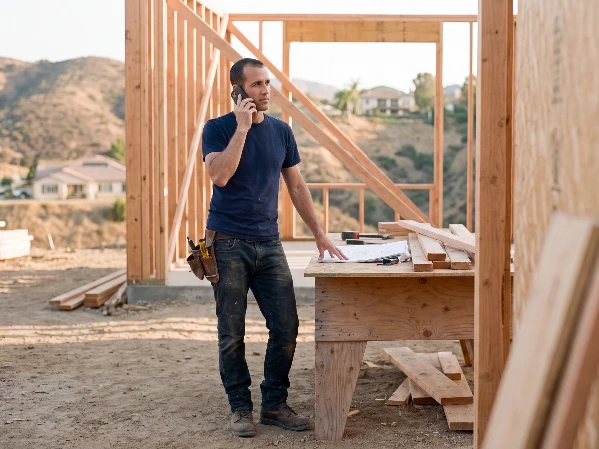
Where it breaks down today
A different app and group thread for every general contractor.
Extra work asked for on site, then disputed at invoicing.
One missed message costs a day of crew time and travel.
One account, every GC.
Your account is yours. No contractor issues it, and it does not end when the job does.

The call is a shared record.
Everyone in the conversation gets the same recording, transcript and summary. When the change is questioned, you are both reading the same thing.

Jobs stay separate.
Say two general contractors both bring you onto the same house. That job can be connected to your conversation with each of them. Each conversation keeps its own messages.

Find the approval, not the thread.
Ask whether the extra lights were approved, and get an answer citing the contractor's original call.

“Walkie Pro helps me keep the calls, photos, and follow-ups for our electrical work connected to the right project. On jobs in Pacific Palisades, that gives me and the people I work with a clearer record of what was discussed and what needs to happen next.”
Julio Castaneda · Owner, JC Power Electric · Pacific Palisades, California
“HVAC work depends on fast coordination between the field and the rest of the project team. Walkie Pro helps me keep calls, summaries, and follow-ups tied to the right job, so important details are easier to review after the call.”
Daniel Brito · Owner, K & D Heating and Air Conditioning · Pacific Palisades, California
Do I have to pay to work with a GC who uses Walkie?
No. Joining, messaging and taking calls are free.
Does the GC see my other jobs?
No. They see the conversations they are in, and the jobs you share there. The same job in another conversation keeps its own messages.
Can I find what a GC approved three months ago?
Yes. Ask Walkie in plain words, and it opens the call or message where it was said.
Does my crew need it?
No. Call them the ordinary way from Walkie, and the call is still recorded and saved to the job. Joining is free whenever they are ready.
Start with one job.
One active job, one person. If they can make a phone call, they can use it.