

Stop guessing who’s turning up tomorrow morning.
- “Are you guys coming tomorrow?”
- “Can we do afternoon instead?”
- “Sorry, I thought you said Thursday.”
Walkie Pro is a construction communication app. Put a date on the job, right inside your conversation, and everyone confirms with one tap. By evening, you know exactly who’s coming, who proposed a new time, and who needs a nudge.

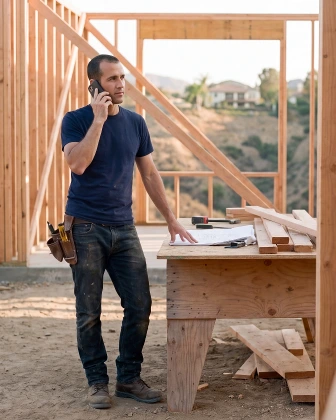
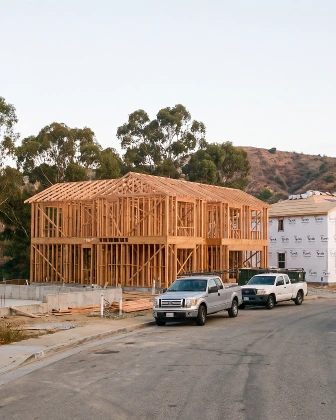
Read the transcript
Inspections… deliveries… site visits. Here's how to put them on the schedule.
Rick says the cabinets show up Thursday at seven. Put it on the schedule... right from his message.
Press and hold the message, and tap Schedule. Walkie fills in the name... the conversation... and the project.
Pick the day and the time. Under Details, choose the reminder. Then tap Add to schedule.
The event lands in the conversation. Rick can say I'll be there... or Can't make it, and suggest another time.
His suggestion shows up right on the event. One tap moves it... and everyone confirms again.
To see everything coming up, tap the date at the top. Every project, one schedule. Filter by project... or by person.
Walkie reminds everyone who's coming. Try it with your next delivery.
A date on the job, not lost in a text thread.
Set a time right inside the job conversation where you already talk. The job address fills itself in, and the date pins right in front of the crew.
It posts into the conversations you choose, so everyone stays aligned without you copying and pasting messages all morning.
Going. Can’t make it. Hasn't answered.
One tap per person, and you have your headcount. No texts to send, no calls to make, no wondering.
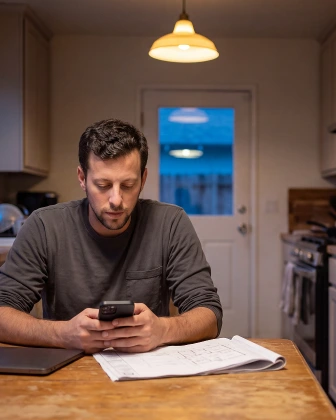
By the time you sit down for dinner, you know exactly who is confirmed for the morning and who still needs a nudge.
No more texting six subs from the couch asking if they're coming. Walkie reminds everyone before the visit, so nobody forgets what was agreed.
A no comes with a time that works.
If someone can't make it, they don't just leave you in the dark. They suggest when they can — right then and there.
Scheduling conflicts resolve themselves quietly. No group thread chaos, no phone tag, no wasted evening going back and forth.
Plans change. Everyone knows at once.
Rain delay, inspection moved, owner changed their mind. Change the date once and every crew member sees the new time immediately.
Nobody shows up to the old time thinking they're still good. Confirmations clear and everyone re-answers — so a yes always means the new date.
One agenda for what you owe and where you have to be.
Any message or call can become a follow-up with a date. It stays on your private list and lands on the exact same daily agenda.
Site walks, inspections, and your own action items live in one place. One glance tells you what you need to handle and where you need to show up.
Questions about the schedule
Do the people I invite need Walkie?
Anyone in your job conversation gets the event immediately. They confirm with one tap. If someone is not on Walkie yet, send an invite link so they can join and confirm.
Can I put something on there just for me?
Yes. Choose "Just you" when creating the event. It stays on your personal schedule for that job, and nobody else sees it.
What happens if I cancel?
The event comes off the schedule, and a clear cancellation notice posts to the conversation. Nobody wastes a drive out to the site.
Does it repeat?
Every event is tied to a single date on that specific job. You can schedule the next visit in seconds when you are ready.
Can I change who sees it afterwards?
Events are locked to the conversations you choose at creation. To include someone else later, you can share the event to another conversation with one tap.
Can I add events to my phone's calendar?
Yes. Tap "Add to my calendar" on any event to hand it to the calendar you already use. Walkie never asks to read your private calendar.
Keep reading
Wake up tomorrow knowing who’s on site.
No setup, no spreadsheets, no training. Start free with the collaborator you call most, put tomorrow’s date on the job, and see your crew confirmed before you leave the driveway.